01 · SERVICE
Give every request a clear next step.
Department queues, service-level agreements (SLAs), a request catalog, and approvals—with ownership and progress visible to everyone involved.
Explore service managementBring requests, approvals, devices, software access, and operational alerts together—so your team sees what needs attention and who owns the next step.
The right context. The next step.
Works with the tools your teams already use
Requests live in one tool, assets in a spreadsheet, alerts in an inbox. IssueLane connects them, so every team works from the same picture.
Department queues, service-level agreements (SLAs), a request catalog, and approvals—with ownership and progress visible to everyone involved.
Explore service managementConversational intake, triage suggestions, and reply drafts. Your team reviews before anything is applied.
Meet the assistantHardware, software seats, renewals, and access reviews, linked to the people who use them.
Explore assetsDevice, AWS, and GitHub findings become routed tickets with an owner and a path to resolution.
Explore operationsLink recurring incidents to problems, map service dependencies, and schedule changes with approvals.
Explore problems & changesSLA performance, recorded spend, and evidence exports mapped to selected SOC 2 and ISO 27001 controls.
Explore reportingWhat ships in the product today. Not customer outcome claims—your results depend on your setup and your team.
IT, People Ops, Finance, and Security each own part of the same employee experience. Give them a connected place to get it done.
See the device, software, history, and owner next to every request—so agents spend less time asking and more time resolving.
Step through the actual application—from an employee’s first request to a planned change. Fictional demo data, real product.
Employees raise a request in one place, talk it through with the agent on the ticket, and find answers in the knowledge base.
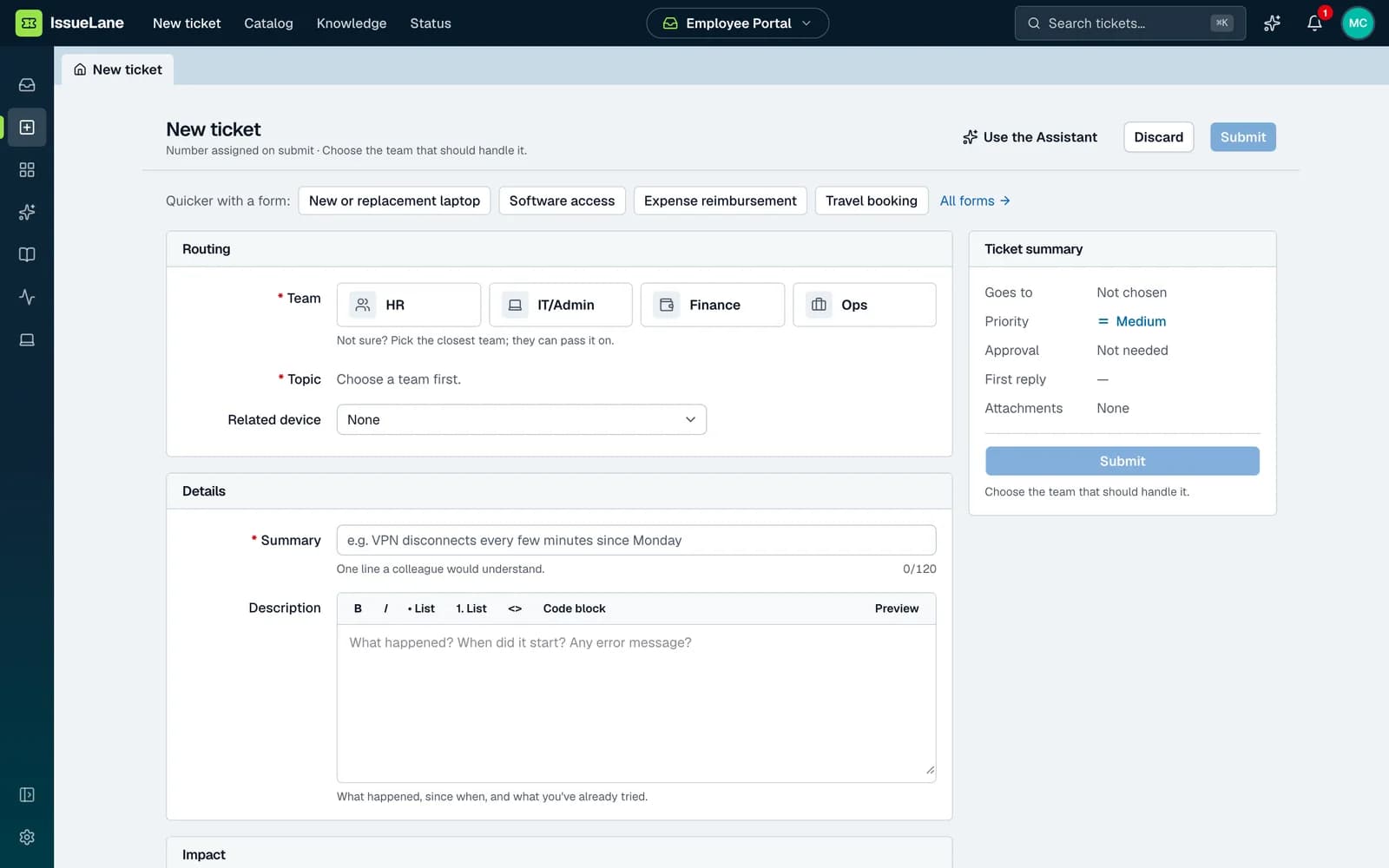
Spend less time on intake, triage, and data entry—and more on the work that needs your judgement.
I can raise a request with IT. Does this happen only at the office, or on other networks too?
Employees describe the issue. The assistant gathers context, searches knowledge, and creates the request.
Agents review suggested routing, priority, and a first reply before applying or sending.
Extract hardware and software details from invoices, then review them before they reach the register.
Company-domain sign-in, permission-aware access, read-only cloud connections, and audit history—plus evidence exports built from the records your team already maintains.
Get to know how IssueLane fits
into your team’s day.
IT and service operations are a natural starting point. Configurable departments, request forms, approvals, and shared workflows also support HR, Finance, and Operations requests.
The assistant can help employees create and look up requests. Agents can review triage suggestions and draft replies, and asset managers can review information extracted from invoices. AI features require configuration; suggestions and invoice records have review controls.
IssueLane includes connections for Google Workspace, Google Chat, email, AWS, GitHub, and OpenAI, along with a REST API. Each connection has a specific scope and setup requirements. Explore the Integrations page for details.
Device readings can generate tickets with guidance for the employee or IT team. Supported tickets can resolve when a later reading shows the issue is fixed. This is monitoring and coordinated follow-up, not remote patching or a full device-management replacement.
A connected workflow from employee request to assigned work, with a closer look at the features relevant to your team. Tell us whether you want to focus on service management, assets, onboarding, or operational visibility.
Bring employee support, assets, and operational follow-up into one workspace—with a clear owner for every next step.